PictureFrame Wizard: from cam to frame with a twist
Today we are blessed with digital cameras that easiliy produce hundreds of Megabytes of pictures during a holiday. When transferring these pictures to a digital picture frame, we are now confronted with a practical problem: its memory is too small to hold the entire holiday.
When using the picture frame installation software it gets better, but still... why can't we manage to store 8000+ pictures on 1 Gb memory card?
Do you want to store up to 100x more pictures on the same picture frame?
Most picture frames have bitmap sizes of 800 x 600 pixels, which is a jpg picture of appr. 100-120 kb. So, 8-10,000 pictures would fit on a 1Gb memory.
With PictureFrame Wizard you will increase the amount of pictures on your digital picture frame with a factor 10 to 100. And with the same visual quality.
The size of the picture is optimized to fit in the picture frame. We have already prepared a database for you to select from.
Do you still remember each picture?
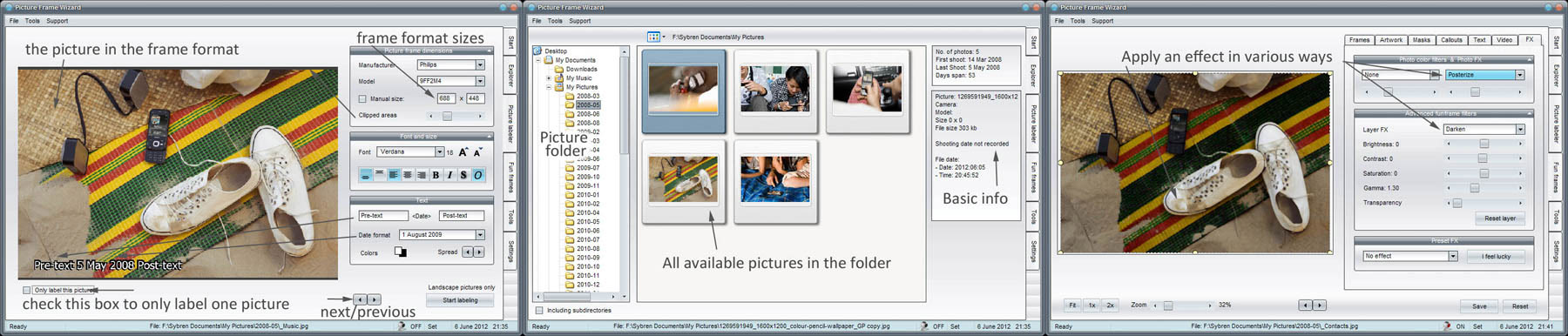
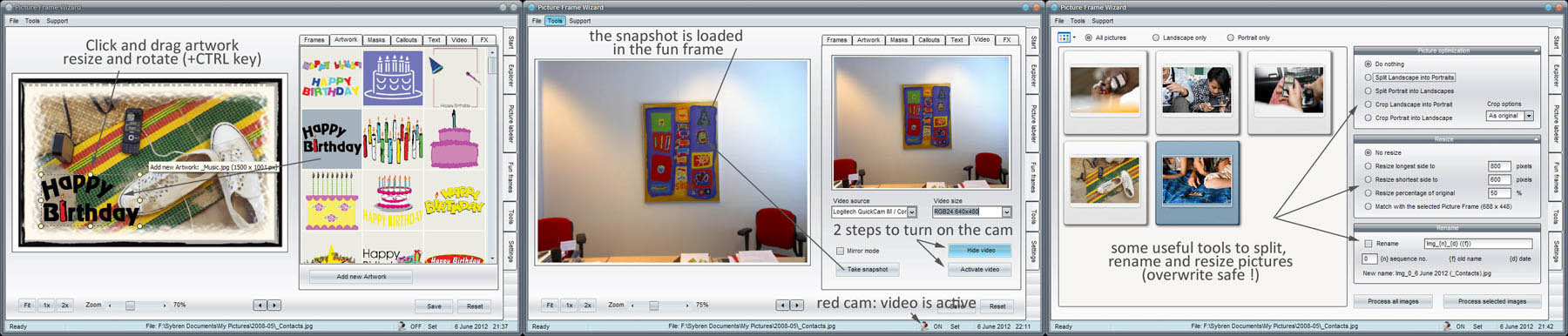
Today we still remember each picture on our digital picture frame. But after some time, we forget what it is or when the picture was taken. So, with PictureFrame Wizard you can now add the date and some text to each pictures.
The application automatically extracts the shooting date from each picture. You only have to indicate how you would like your font, style, position and extra text printed on the picture.
Do you also find some pictures boring, but don't want to waste them?
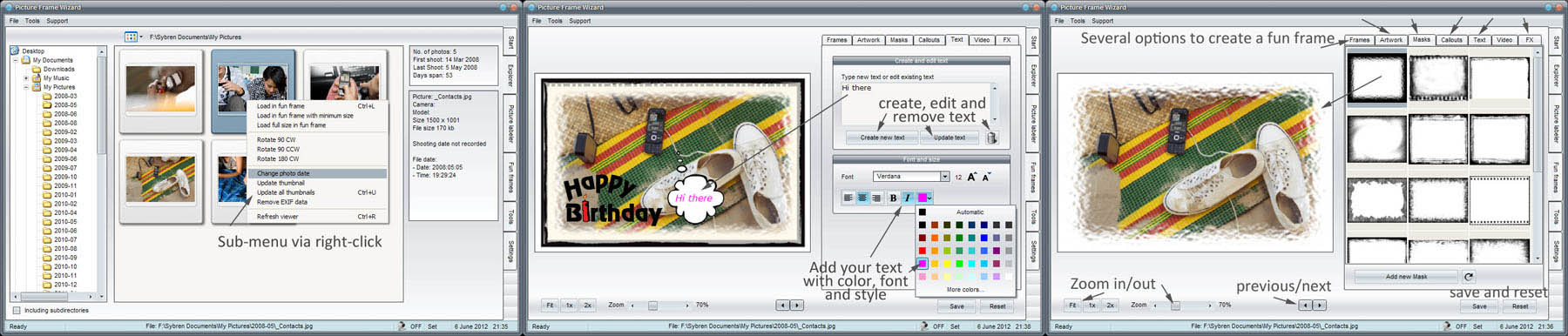
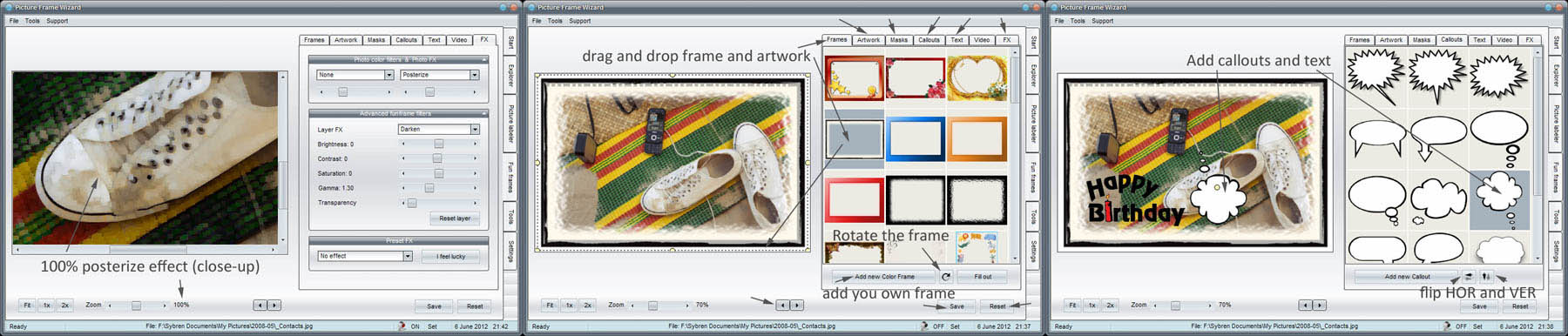
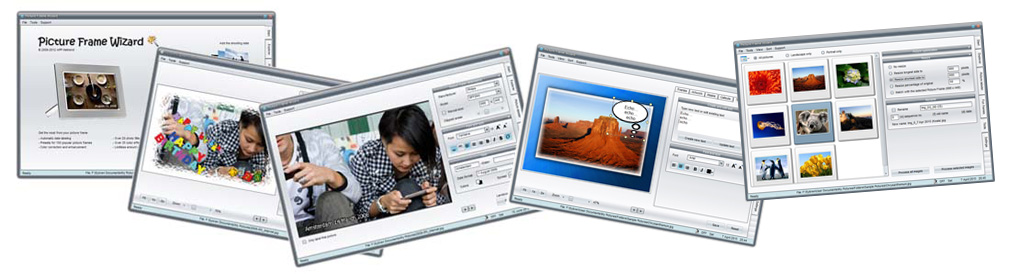
With PictureFrame Wizard you can spice up a picture. Apply a fancy photo frame (these come pre-installed), create that old-fashioned sepia look, or cut out an ellipse and create that lovely 20's look. PictureFrame Wizard has 35 effect filters, 20 color filters and a load of creative effects.
Some example pictures
We have made some example pictures. Hover over the picture to see a larger version. Click on the picture to download. Each download contains a series of different effects of that picture. We have selected only one to show here.
For more information please read the help file that comes with the installation.
 Boring shoes made interesting
 Upgraded fjord picture
 Brussels seems to glow
|
PictureFrame Wizard is a freeware application
We have developed this application for ourselves in the first place. Our holidays usually results in 500+ pictures, and after 5 holidays our excellent Philips 9FF2M4 digital picture frame needed a bigger memory. Unfortunately it only accepts a maximum of 2 Gb.
So, action was needed to aim for a maxmium storage, and we now like to share our results with everyone interested.
with PictureFrame Wizard you can:
- Add the shooting date to each picture
- Apply a fancy frame to a picture
- Make a fun picture (graphic effects)
- Batch conversions (resize, rename)
- Save and load presets to repeat an effect
The application will never overwrite your original pictures! Before saving or applying any effect the application will always prompt for the save location.
It is strongly advised to always make a backup of the pictures, and as a good practice to keep the original pictures apart (in a different folder) from the ones that are to be stored in the digital picture frame.
Download your copy of the software
The software is free to use, is fully functional and has no additional costs. Freeware. It is recommended to read the help-file on the functions and how to use them.
NOTE: we have found AND SOLVED a real nasty bug in version 26 that makes that version pretty useless. Please update your version!
PictureFrame Wizard version 1.0 build 28:
PictureFrame Wizard
                 
|
|